
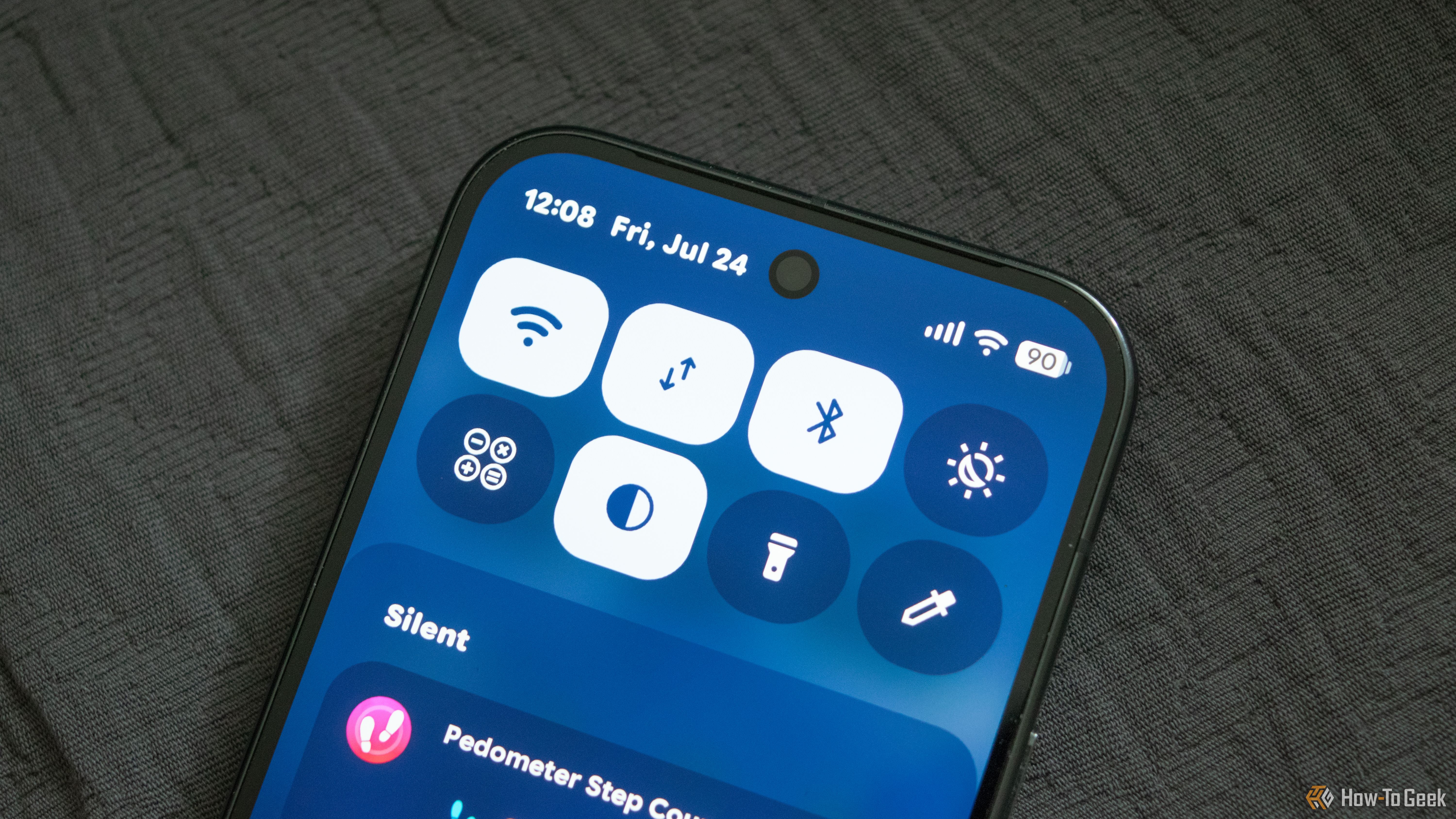
Android gives several ways to customize your phone. Most users use the Quick Settings panel for the same handful of things — Wi-Fi, brightness slider, flashlight, location, and mobile data. These barely scratch the surface. Tucked inside the Quick Settings edit menu are tiles that save you several taps and put useful controls one swipe away. To add tiles, swipe down from the top of the screen, tap the pencil icon, and add the one you want into the panel. The exact steps vary by phone and Android version. Here are five Quick Settings tiles that are worth the space.


